
VMPL
New Delhi [India], October 7: Sports clips have a short shelf life. The two days after a match are when the good ones circulate, and by the following week half the accounts that posted them have taken the videos down or been made to. If you saw something worth keeping, the window for keeping it is measured in days.
Snaptube is where to start, because most of what makes a tool right for this comes down to two things: how fast you can act, and how many places you can act on. Five more follow, each with a note on the situation it actually fits and the one it does not.
1. Snaptube
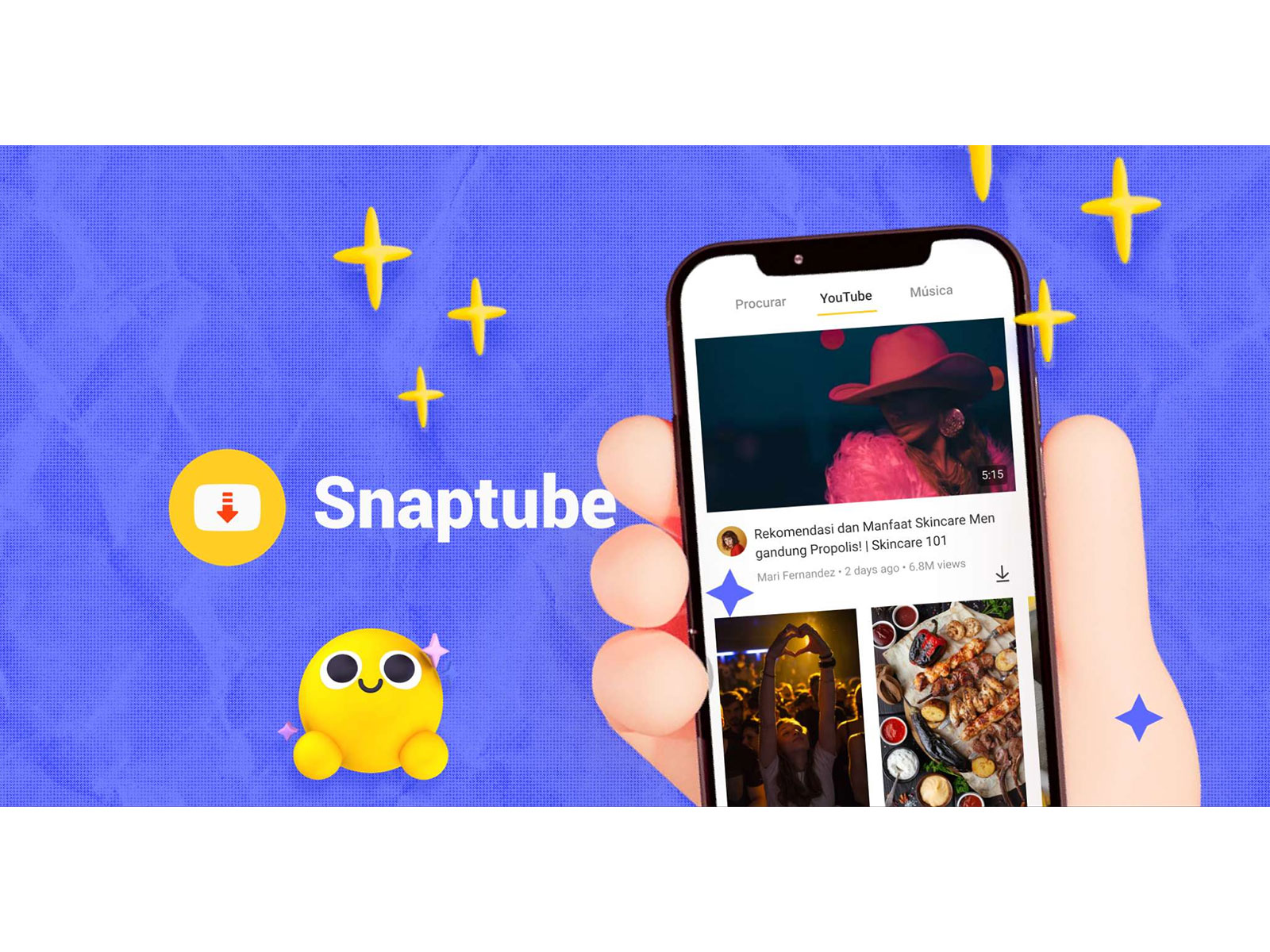
Coverage across more than a hundred platforms is the part that matters first, because the highlights from one match are never in one place. A league account posts the goals, a fan account posts the same goals with better commentary, a player’s own page posts the celebration, and all three sit on different social platforms. Chasing a single fixture across three apps is how people give up halfway, and a tool that takes any of those links removes the switching entirely.
Speed matters differently here than it does for other content. Downloads begin when you tap rather than after a stretch of parsing, which turns saving a clip into something you do while still watching the reaction rather than a task you leave for later. That is the whole game with sports: rights holders clear this material quickly, and the version you meant to save tomorrow is often gone tomorrow. Having the Snaptube download application already installed is what makes acting that fast possible.
The resolution range lets you treat two kinds of sports content differently, which they deserve. A goal or a contested decision is a few seconds where you genuinely need to see feet and lines, so that clip is worth taking at the top of the range. A full ninety minutes watched for shape and tactics does not need it — take the middle of the 144p to 4K ladder and save yourself the storage. Same app, two decisions, made per file.
Looped playback closes the circle for the short clips. Nobody watches a good goal once — you watch it six times, then send it to somebody, then watch it again when they reply. Having it repeat on its own instead of dragging the scrubber back every time sounds trivial until you have spent an evening doing the alternative. The routine itself is four steps: copy the link, paste it, choose your quality, download. Take it from the Snaptube official site or a manufacturer store so the build you set up is the right one.
2. 4K Video Downloader+
Desktop software for Windows, Mac and Linux that handles Twitch stream recordings and whole playlists, reaching 4K and 8K with 60fps support. Thirty files a day is where the free build stops, and it shows ads until you pay; licences begin at roughly fifteen a year, with a buy-once option for three machines.
Use it for the full match rather than the highlights. Three hours of video is a job for a machine on mains power that you can walk away from, and 60fps is a genuine difference on anything played at speed — a phone-captured 30fps copy of a fast break looks noticeably worse. Skip it if you only ever save two-minute clips, where neither the install nor the daily cap is worth accepting.
3. VidMate
An Android app supporting 1080p with MP4 and MP3 output, broad platform coverage and a long history behind it, which in practice means a large existing user base and plenty of troubleshooting written up online. The free build carries heavy advertising.
Its coverage is the reason to keep it around if you follow anything outside the major leagues — lower divisions, regional competitions, sports that never make a broadcast deal tend to live on smaller sites, and breadth is what reaches them. The advertising is the price, and it is a high one for daily use, so most people are better off treating it as the tool they open when the first choice does not recognise a link.
4. Video & Music Downloader
This one leads with the player rather than the downloader: variable-speed playback, multi-threaded transfers, background queueing, a locked folder, 1080p. Pop-up advertising is a frequent complaint and its last update was mid-2025.
Variable speed is the feature that changes how you watch a saved replay. A ninety-minute match at 1.5x, skipping the half-time break, is a genuinely different proposition from sitting through the whole thing, and no amount of download quality substitutes for it. Against that, it is the smallest tool here by installed base and its update pace is unremarkable, so do not let a whole season’s collection live only inside it.
5. Hitube
Available as a web page and as an Android package, described by its developer as ad-free with no registration required. You give it a link, it gives you a file. 1080p is supported, the big social platforms are covered, and the Android build adds batch downloads plus recovery of a dropped transfer.
This is the quickest route once a highlight has been reposted as an ordinary social video, which is what happens to most of them within a day. Where it is weaker is the official route: league and broadcaster pages tend to use embedded players rather than plain video posts, and its source list is shorter than the apps above, so the original may be the one thing it cannot reach.
6. SnapDownloader
Paid software for Windows and Mac, around twenty dollars a year with a forty-eight hour trial, supporting up to 8K across 900 or more sites, with a built-in clipper that downloads only a selected section.
The clipper is the reason it is on this list. When what you want is three minutes out of a three-hour recording, cutting before you download beats downloading everything and cutting after — you save the wait and the disk space in one move. The catch is the licensing: it is tied to a single device, and forty-eight hours is not long enough to work out whether this is something you will reach for monthly or twice a year.
Which One Depends on What You Collect
If you keep goals and individual moments, act fast and take them at full quality — the file is small, the window is short, and Snaptube’s paste-and-go loop is built for exactly that pace.
If you archive whole matches, move the job to a computer. 4K Video Downloader+ handles the length without babysitting, and if you only ever want a passage out of the middle, SnapDownloader’s clipper does it before the download rather than after.
And if you follow competitions that never get broadcast, breadth beats everything else on this page. That is where VidMate’s older and wider source coverage earns its keep, ads and all — just do not make it the first thing you open
(ADVERTORIAL DISCLAIMER: The above press release has been provided by VMPL. ANI will not be responsible in any way for the content of the same)
Related reading